NPC CONNECT / WORKSPACE

Your network.
In perfect sync.

A connected command workspace for campus communication.

SIRENS & PAGING OFF
NPC AUDIO INTERCOM / COMMUNICATION GRID

Connect across
every campus.

Find your team, send Personnel requests,
and hear office announcements.
NPC NEURAL CAMPUS NETWORKLIVE STATION STATUS
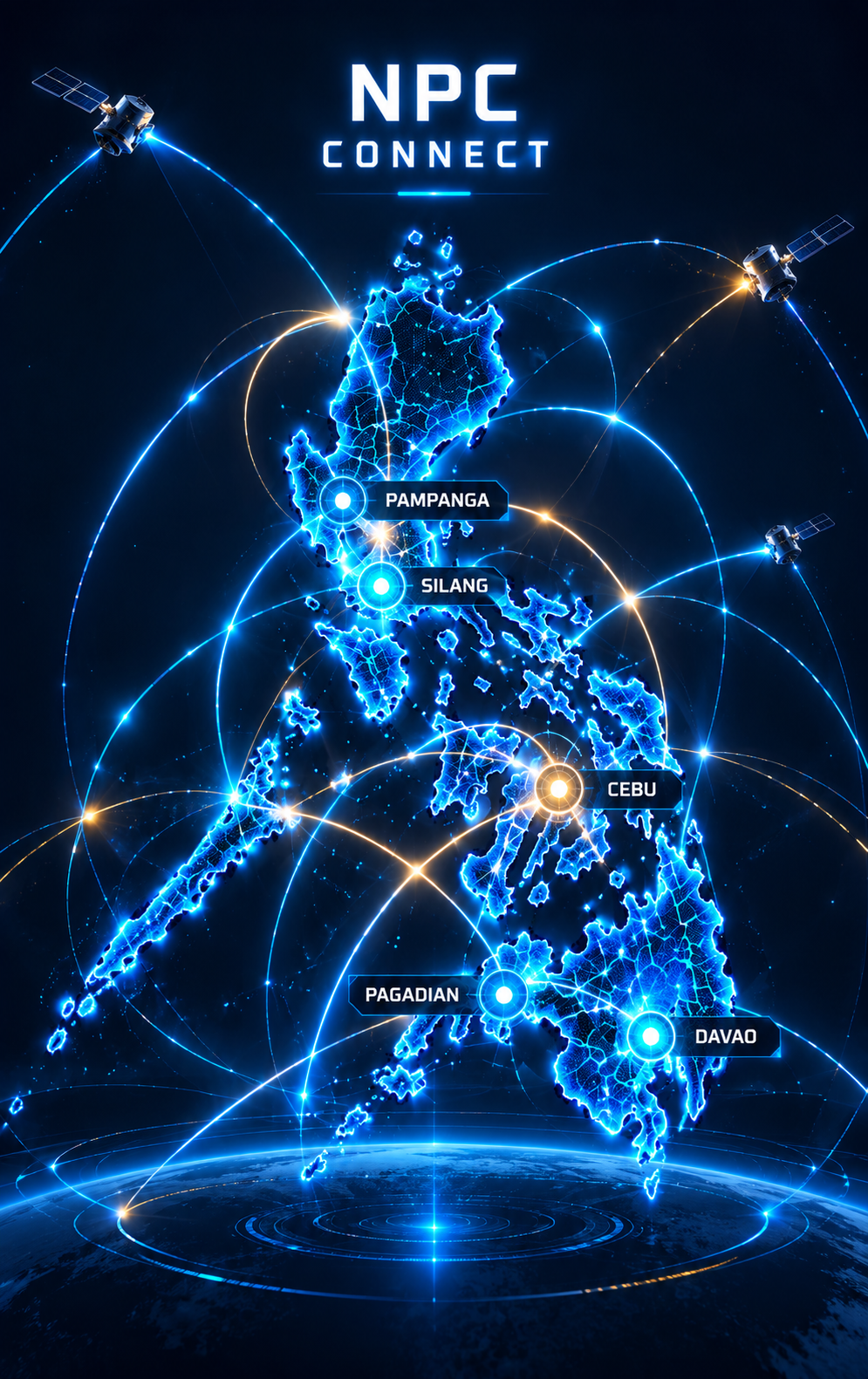
Electric-blue Philippine network map artwork
100%
CAMPUS COORDINATION MATRIX

Select your campus.

Sign in to see live station coordination.

SELECTED CAMPUS

All campuses

Select a map marker or campus chip to explore offices.

Select a marker · Explore live office availability
Direct calls remain temporarily unavailable.

COMMUNICATION COMMAND DESK

What would you like to do?

Chat with Personnel, hear announcements, or manage your station.

Sign in to connect
◈

Campus network05 campuses

▦

Office directory20 planned offices

◉

Ready to connect0 available stations

↗

Your accessGuest sign in to call

☎
YOUR STATIONYour office station

Not signed in

All campuses

Direct calls are temporarily unavailable. Use Chat Personnel for paging requests.

0 stations online

Recent calls

ON THIS DEVICE
◷ No calls yet

Your recent conversations will appear here.

CALL WORKSPACEAUDIO ONLY
CHAT & ANNOUNCEMENTS

Direct calls temporarily unavailable

Use Chat Personnel to request an announcement.

CALLING
☎

Connecting…

Audio only · Microphone access required

✧ CONNECTION ASSIST

Sign in to your station to see live office availability.

Station-based guidance · No AI service connected

Click once to enable sirens for this open session.

Keep the app open and your
computer awake for announcements.

Connect to Firebase

Use a separate Firebase project for the intercom. Paste the web app configuration JSON below. This configuration identifies your project; security comes from authentication and database rules.

Enable Email/Password sign-in and Realtime Database, deploy the included rules, and provision office accounts first. Read setup instructions ↗

CHIEF IT / ADMINISTRATION

Office management

Manage station names and campus assignments. Changes sync to the directory for all signed-in offices.

Office stations

ADD OFFICE STATION

Connect a new office

Create an Email/Password account in Firebase Authentication first, then paste its UID below.

Chief IT access requires the administrator role on your Firebase profile.

Sign in to your station

Use an office account created by your IT administrator.

AUTHORIZED STATION / EMERGENCY BROADCAST

Emergency siren

Send a timed siren to selected office stations. Receiving offices need to enable emergency sound and keep the app open.

Select offices 0 selected

Ready to send.

Offline stations cannot hear the alert. An expired alert will not replay when they reconnect. This web alert supplements your established emergency procedures.

Station details

☎

PRIVATE OFFICE CHANNEL

Personnel communications

Send a private request to Personnel.

Choose a conversation

PERSONNEL / ALL OFFICES

Paging console

Record a spoken announcement, preview it, then broadcast to all configured office stations. Maximum recording: 20 seconds.

♫
Announcement intro tone

A four-note chime plays at each office before your voice.

◉00:00 / 00:20

Ready to record

All configured officesSound-enabled, open devices receive audio

This is a recorded voice announcement. Browser audio must be enabled at each office. Sirens take priority. Notes are entered manually; no automatic transcription is used.

Workspace shortcuts

/Focus office search
Alt + AShow available offices
Alt + FToggle favorites
Alt + MMute / unmute during a call

Shortcuts pause while you type or use a dialog.

Open from your desktop

Chrome or Edge on Windows: open this website in a regular browser tab. Look for the install icon in the address bar, or use the browser menu’s install/app option. Accept installation and select a desktop shortcut if offered.

If installation is unavailable, use the browser’s Create shortcut option and select Open as window when offered.

Office staff should install from the final Firebase Hosting address. This private preview requires owner access. Internet is required; keep the app open and the computer awake for announcements.

Quick commands

Use Tab to select a result and Enter to open it. Escape closes.